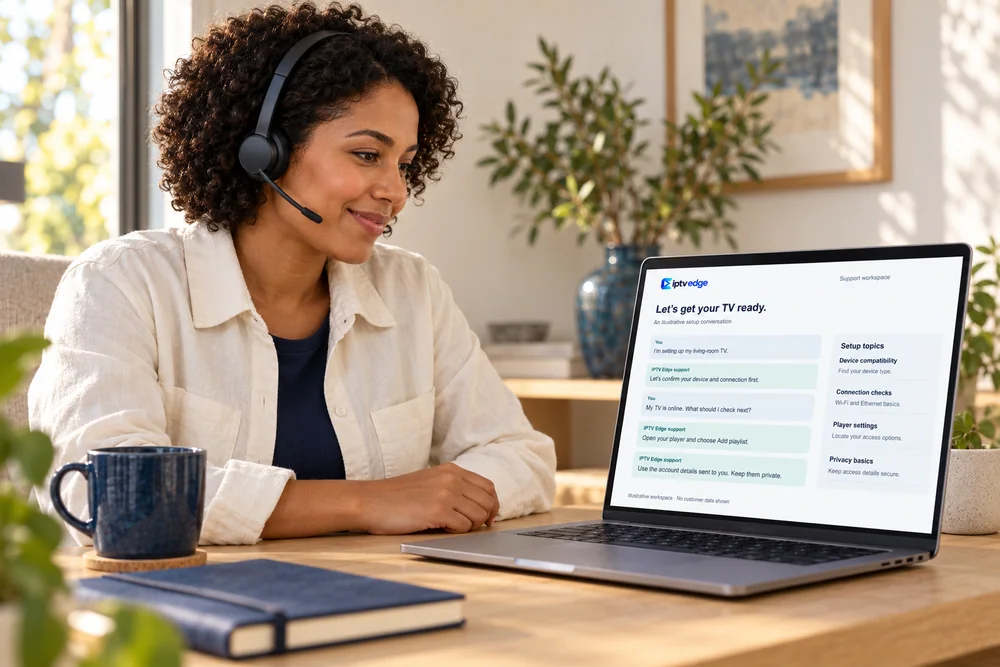
A person replies
Message us any time; we answer in the order messages arrive.
Visit the help center
Talk to a person
Chat on WhatsApp support@iptvedgehd.comMessage us any time; we answer in the order messages arrive.
Order on WhatsApp · confirmed in writing before you pay
IPTV Edge, which some people search for as Edge IPTV, streams national and international channels, movies, series and sports to the Smart TV, Fire TV Stick, Android box, Apple TV or phone you already own. Choose a plan, tell us your device, and we confirm every detail in writing before you pay.

Preview reel
01Plans
One payment per period, no add-ons at checkout. The longer the plan, the lower the monthly cost, down to $5.00 a month on 24 months.
Premium subscription
$17 $17.00 / month
No long commitment
Try IPTV Edge on your own TV and network without a long commitment.
Order on WhatsApp · written confirmation before payment
Premium subscription
$33 $11.00 / month
Cost at the monthly rate: $51
−35% compared with paying monthly
A full season of viewing at a lower monthly rate.
Order on WhatsApp · written confirmation before payment
Premium subscription
$44 $7.33 / month
Cost at the monthly rate: $102
−57% compared with paying monthly
Half a year settled in one payment, with no monthly reminders.
Order on WhatsApp · written confirmation before payment
Most popular
Premium subscription
$65 $5.42 / month
Cost at the monthly rate: $204
−68% compared with paying monthly
A full year for the whole household at a fraction of the monthly rate.
Order on WhatsApp · written confirmation before payment
Best offer
Premium subscription
$120 $5.00 / month
Cost at the monthly rate: $408
−71% compared with paying monthly
The lowest monthly rate we offer, settled for two full years.
Order on WhatsApp · written confirmation before payment
Every plan includes
Prices in US dollars (USD). Crossed-out amounts show what the same period costs at the 1-month rate of $17, so you can see the real saving.
Ask for a 24-hour trial Read the refund policy How payment works
02Verify it’s us
Several unrelated websites, sellers and apps use “Edge” in their names. IPTV Edge works only through the three contact points on this card. If anyone else claims to be us, they are not.
Official IPTV Edge contact points
Save our number before you order, so you always know a message really comes from us.
Every step happens in one WhatsApp conversation you can scroll back through.
03How ordering works
Tap any WhatsApp button and tell us your device, your internet connection and how many screens you want to use.
We reply with the plan, the price, the number of screens and the setup method in one message, so nothing depends on memory.
The payment methods available for your order are listed in our written confirmation, before you pay anything. How payment works
We send your access details as soon as payment is confirmed, and tell you up front if anything will take longer. Setup steps for your exact device come with it.
Once you are set up, we make sure channels and the library load. If something will not work on your device and we cannot fix it, our 7-day refund policy applies.
04What you can watch
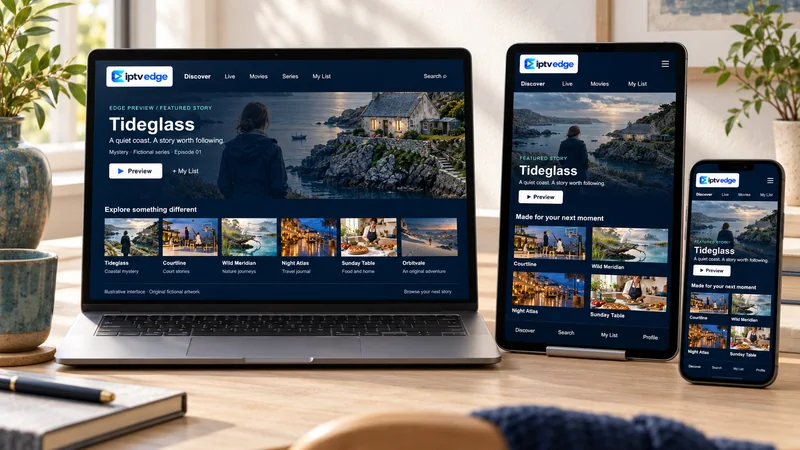
IPTV Edge carries national and international channels alongside an on-demand library. Lineups differ by region and change over time, so we share the current list for your country before you pay.
News, entertainment, kids, documentary and music channels, grouped by category and by country, with a TV guide in apps that support EPG.


Browse by genre, start when you like and pause whenever you need to. Audio tracks and subtitles depend on each title.


Series are grouped by season, so you can pick up the next episode without hunting through a list.

Sports channels sit in their own categories. Coverage of a specific event depends on your region, so ask us before a big game rather than after.

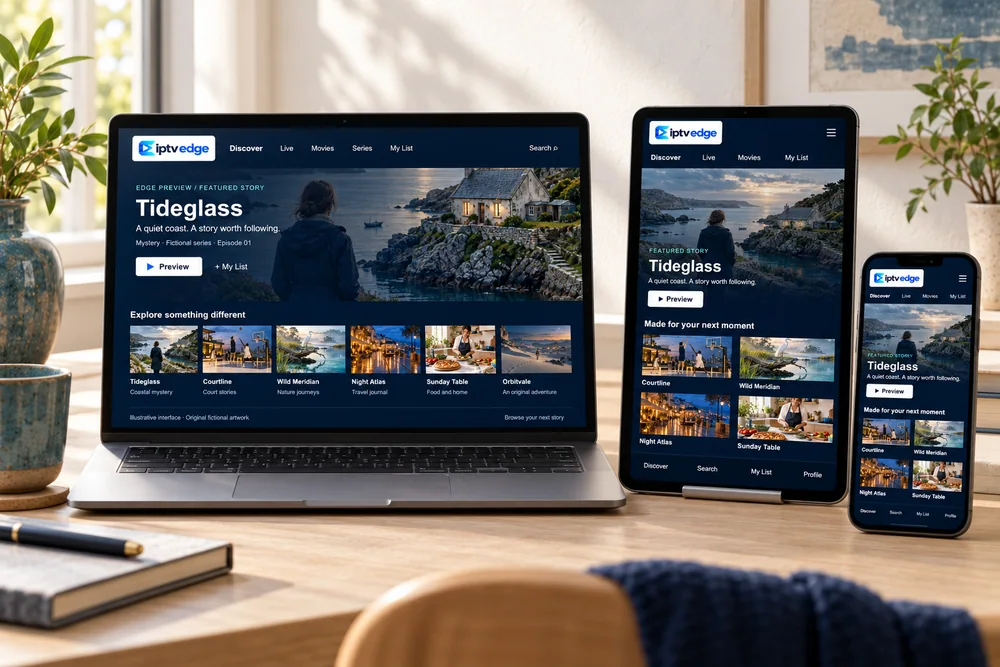
Artwork shows original fictional titles made for this website. It illustrates the experience; it is not a list of programs.
05Devices
No new box to buy in most homes. You install a player app on your device, add the details we send, and the same subscription works on the screens confirmed in your order.
Roku is not supported for a reliable setup, and very old Smart TVs may not run current player apps. Ask us before you buy and we will suggest the simplest alternative.
06Setup
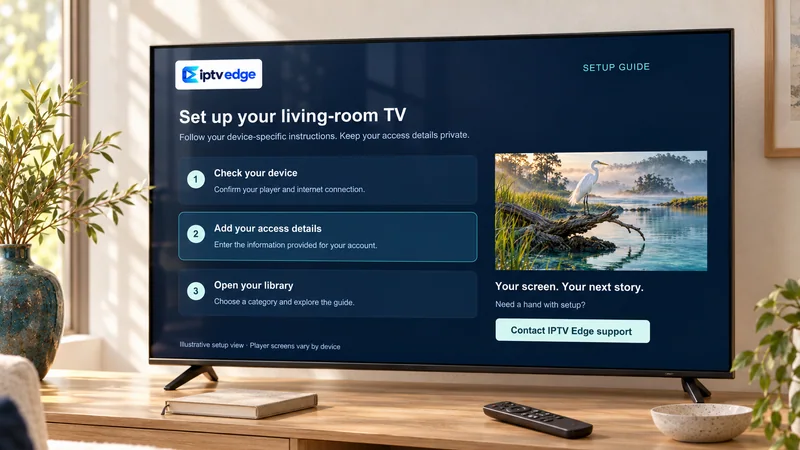
Your access details arrive with instructions written for your exact device, and you can ask us to walk through them with you on WhatsApp.
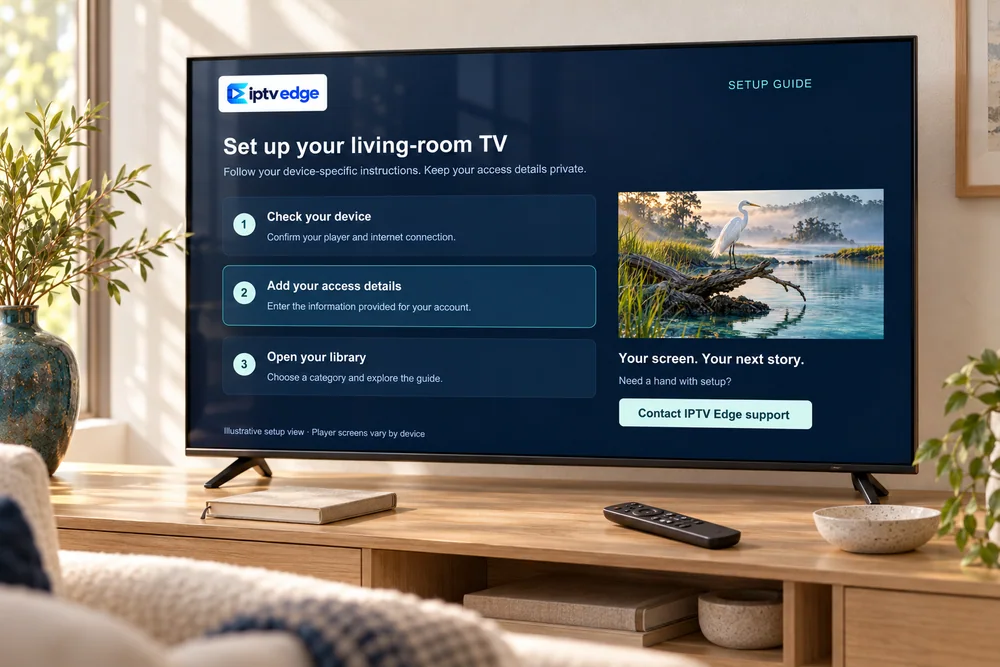
We tell you which app suits your model, and where to get it from the official store whenever possible.
Copy the login, link or portal address from our message. Keep it private: it is your subscription.
Channels, the TV guide and on-demand titles load in the app. Mark favorites so the channels you watch most are one click away.
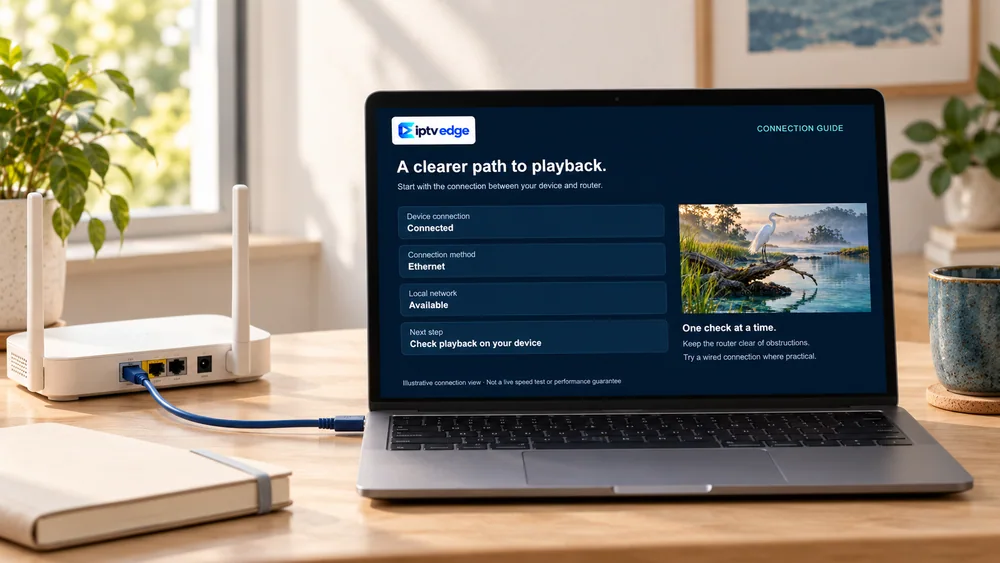
Most streaming problems start at home, not on our side. These checks take a couple of minutes and tell you more than any promise on a website.
07Support & policies
IPTV buyers have learned to be careful. So instead of big claims, here is exactly how we work and where every rule is written down.
Message us any time; we answer in the order messages arrive.
Visit the help centerPlan, price, screens and setup method are written in your chat before you pay, so you can check them later at any time.
What happens after you payIf the service will not work on your device and we cannot fix it, you can ask for a refund within 7 days. The conditions are written in plain English.
Read the refund policyWe only ask for what we need to set you up: your device, your contact and your plan. Never your passwords.
Privacy policy08Is it right for you?
Typical situations we help with. These are examples to help you decide, not customer reviews.
A household that wants live TV on the big screen and the odd series on a phone in bed.
Tell us how many screens may play at once. We confirm it in writing.
Plan to consider: 12 Months · $65
Learn more: One living-room TV, a couple of phonesA sports fan who watches at home but also on hotel Wi-Fi or mobile data.
Read our live-sports tips on delay, spoilers and mobile data first.
Plan to consider: 3 Months · $33
Learn more: Following games on the moveAn expat who misses English-language news, kids’ shows and series in the local time zone.
The guide shows your local time once the app’s time zone is set.
Plan to consider: 24 Months · $120
Learn more: English TV while living abroadSomeone who wants a familiar channel guide without a long contract or equipment rental.
Compare costs and trade-offs honestly before switching.
Plan to consider: 12 Months · $65
Learn more: Leaving a cable or satellite contract09Guides
Welcome to WordPress. This is your first post. Edit or delete it, then start writing!
Smart TV, Fire TV, Android, Apple TV, computers and MAG boxes, step by step.
The full compatibility list, plus the devices we honestly do not recommend.
10FAQ
The questions people ask us most before ordering. If yours is not here, ask us directly and you will get a written answer.
Ask your question See all questionsIPTV Edge is the service on iptvedgehd.com. People often type our name the other way round, as Edge IPTV. We are not connected to other sites or sellers using “Edge TV” in their name, or to the EDGE IPTV player app. Our only WhatsApp number is +212 781-768546.
Plans cost $17 for 1 month, $33 for 3 months, $44 for 6 months, $65 for 12 months and $120 for 24 months, in US dollars. That is $5.00 a month on the 24-month plan. The pricing page compares them side by side.
The number of screens that can play at once is agreed when you order and written in your confirmation. Tell us how many TVs, phones or tablets may be watching at the same moment, not how many devices you own.
Yes. Ask for a 24-hour trial on WhatsApp and test it on your own TV and Wi-Fi, ideally in the evening. The free trial page lists what to check.
Samsung and LG Smart TVs, Amazon Fire TV, Android TV and Google TV, Android phones and tablets, Apple TV, iPhone, iPad, Windows and Mac computers, and MAG boxes. Roku is not supported for a reliable setup. Details are on the compatible devices page.
We send your access details as soon as payment is confirmed, and tell you up front if anything will take longer. Your details come with setup steps for your device.
As a rule of thumb, about 10 Mbps for each screen watching in HD and 25 Mbps for 4K. A stable connection matters more than a big number, so use Ethernet or 5 GHz Wi-Fi for the main TV when you can.
IPTV simply means TV delivered over the internet, and it is used by many broadcasters and telecom companies. What matters is whether the content is distributed with permission, and the rules where you live. Ask us any question about the lineup before you pay, and read our terms of use and copyright policy.
11Your evening, sorted
The 12-month plan at $65 covers a full year for the whole household, but there is no wrong answer. Ask first, compare in writing, and only then decide.
Order on WhatsApp · written confirmation before payment